 Renke Holert
2 min read
Siemens: planning the mobile workforce for rail track maintenance
About Siemens Siemens Mobility, a division of Siemens AG, is a pioneering global player in the realm of transportation...

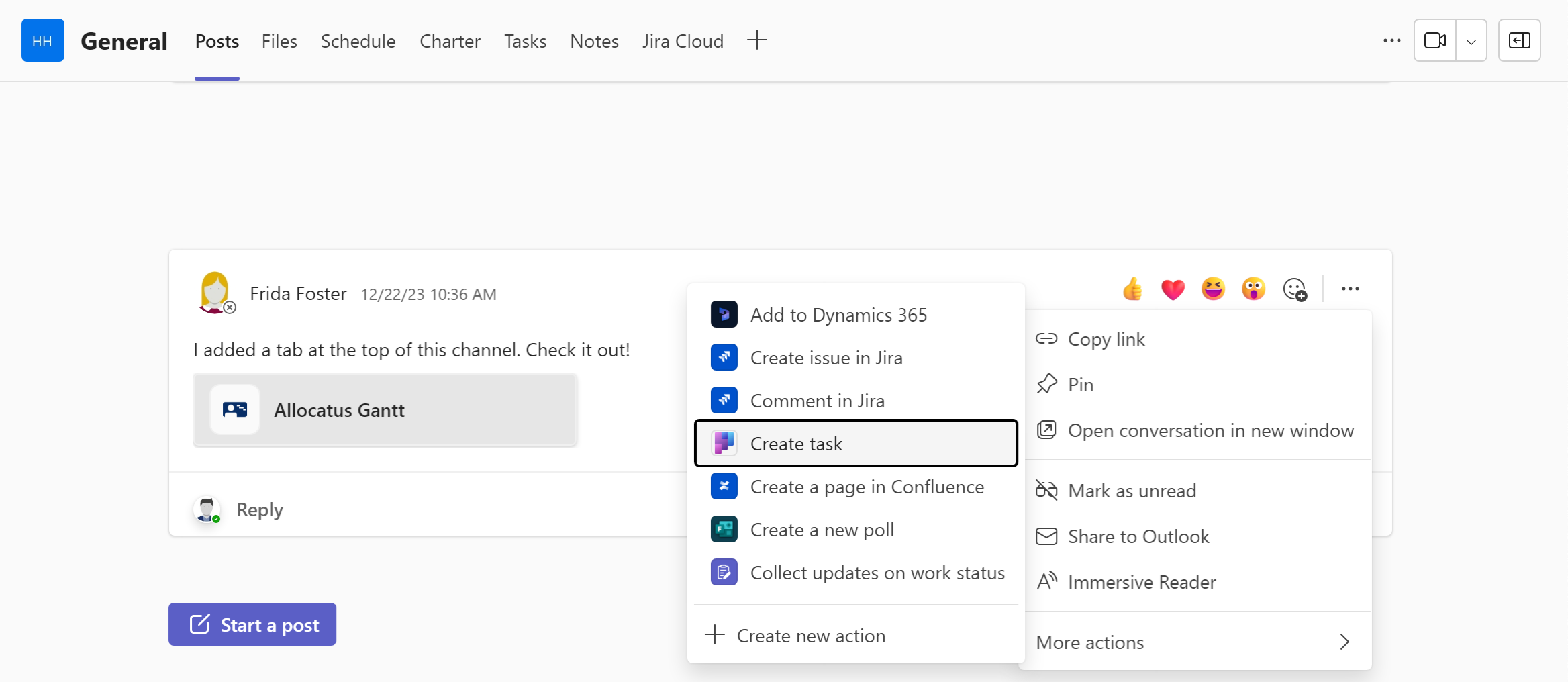
You take part in many chats and tasks arise from them. These are often forgotten because it is not completely clear who exactly has to do what. But even if it is clear who is supposed to do something, it is easy to lose track in the multitude of discussions. This means that the person who is supposed to do the tasks overlooks the fact that they have to do something, and the project manager cannot check centrally whether everything has been completed. Creating a task manually for tracking is time-consuming.
To create a task from a chat, click on the ellipsis, i.e. the three dots on the right-hand side of the chat post (not available in private channels).
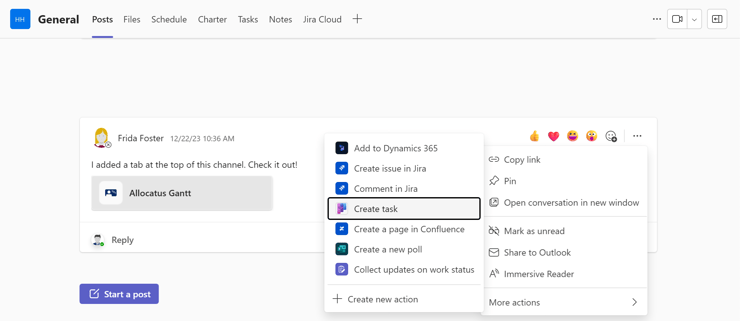
Then select the Create new task entry under Further actions.
.png?width=740&height=551&name=blog%206%20(1).png)
In the following dialog, adjust the title if necessary, select Create in the Target Planner plan assign the task to a person, and click on Add task.
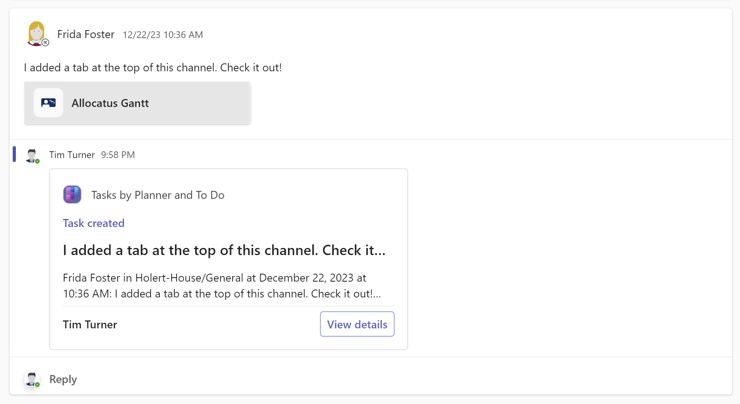
You will then see a new card in the chat history as a response to the discussion with the description and the Show details button. This will take you to the task.
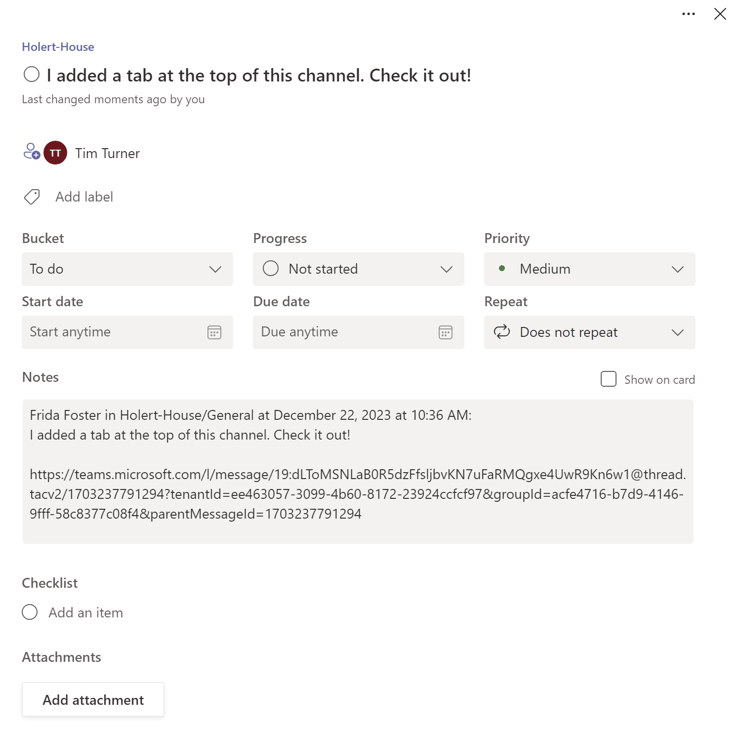
You can jump back to the discussion at any time using the hyperlink in the Notes field. However, this link currently only works in the Microsoft Teams web and desktop app and in the Microsoft To Do mobile app. It does not work in the Microsoft Teams and Microsoft Planner mobile apps.
If all tasks, open points, and action items are managed centrally in a project-specific list, everyone involved always has a clear overview of what is still pending. This significantly reduces the risk that tasks are overlooked or remain unfinished. At the same time, each person can view their individual tasks directly in Microsoft To Do.
Tip: With Allocatus, you can also synchronize tasks from Microsoft Project with Microsoft To Do, so every team member can see all tasks in one central location.