 Renke Holert
3 min read
Import Excel file into Microsoft Project for the Web
For project managers who have been managing their projects with Microsoft Excel, Microsoft now offers a very simple...

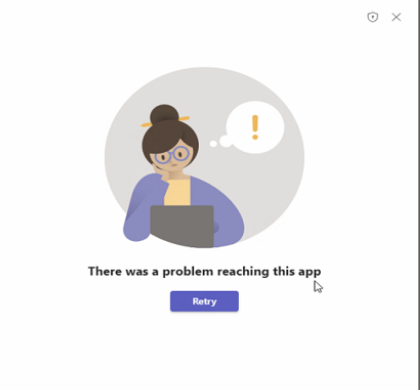
When using the Windows Desktop App from Microsoft Teams, the message There was a problem reaching this app appears when accessing a list. The error occurs in the rules when accessing Microsoft Lists via the Microsoft Teams Task App.
Access via the underlying SharePoint list continues to work independently of this via the Teams web app, the Microsoft SharePoint web interface and the Microsoft Lists desktop app. Access via the Microsoft Lists mobile apps, etc. also continues to work.
Until Microsoft offers a solution for this, the following method will help:

Exit the Microsoft Teams desktop app.

Open Windows Explorer and enter %AppData%\Microsoft in the address bar and press Enter.

Delete the Teams folder in the folder.

Start the Microsoft Teams desktop app.
Access to the list via the Teams desktop app will then work again.