 Renke Holert
3 min read
Import Excel file into Planner Premium
For project managers who have been managing their projects with Microsoft Excel, Microsoft now offers a very simple...

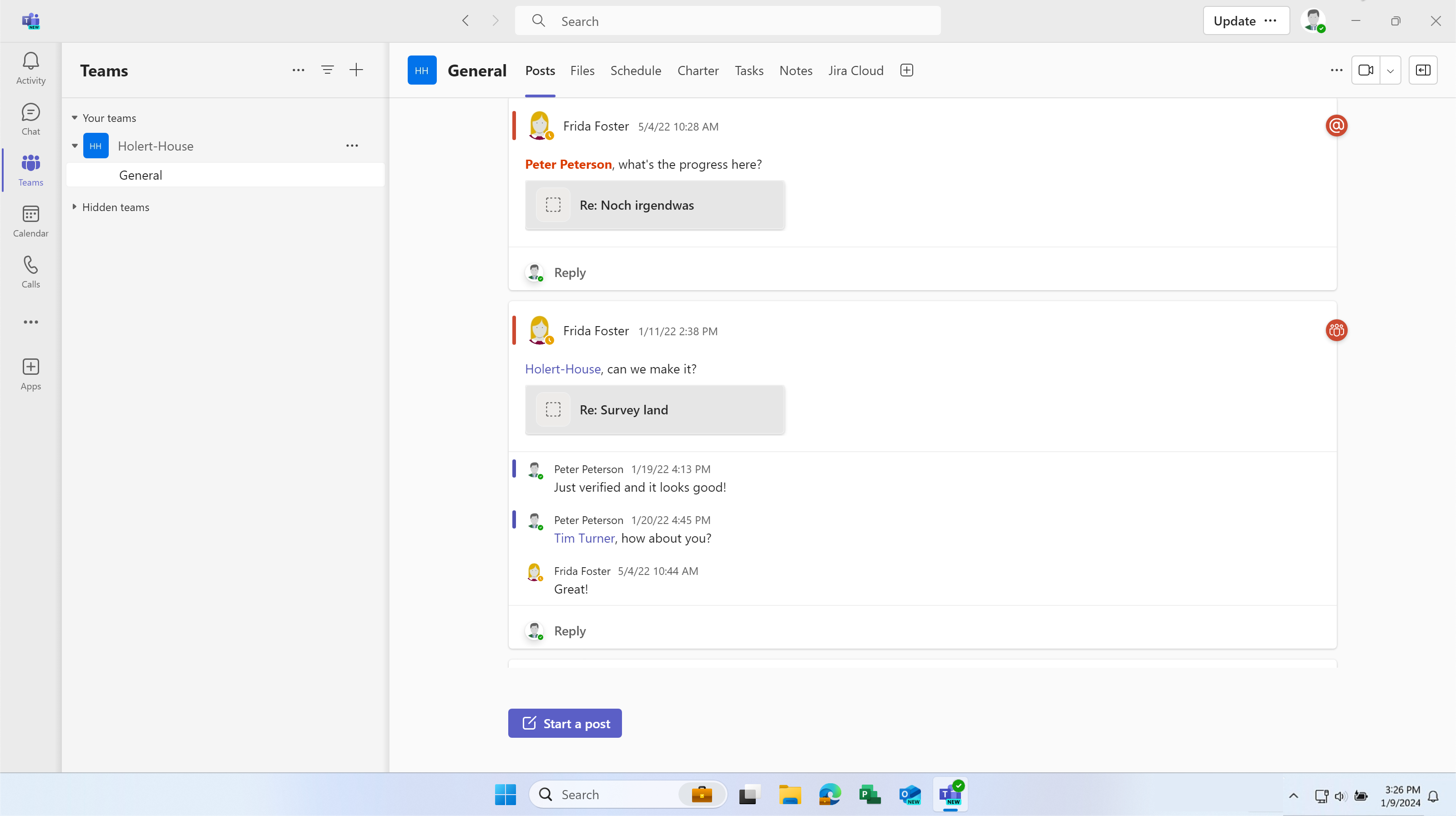
As a project manager, you work with Microsoft Project and your team cannot access your project plan. Do you print out the project plan on paper or create a PDF and send it by e-mail? The moment you send the plan, it is already out of date again.
Do you request the status by email, WhatsApp, phone, or other means, and then lose track of these requests?
Use Allocatus to synchronize your Microsoft Project project plan with the associated project space in Microsoft Teams:
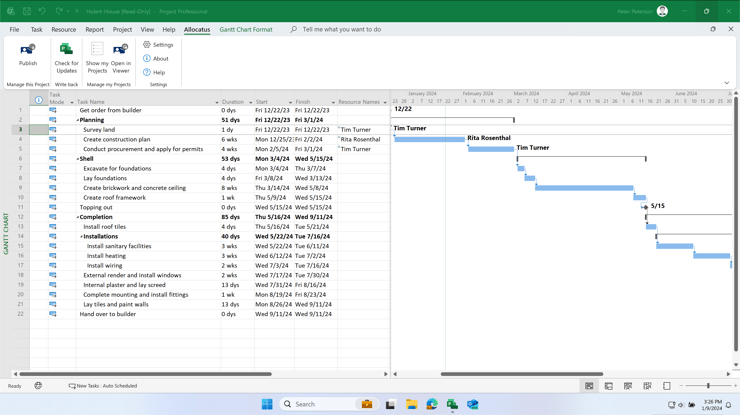
On the Allocatus tab, click on the Publish command
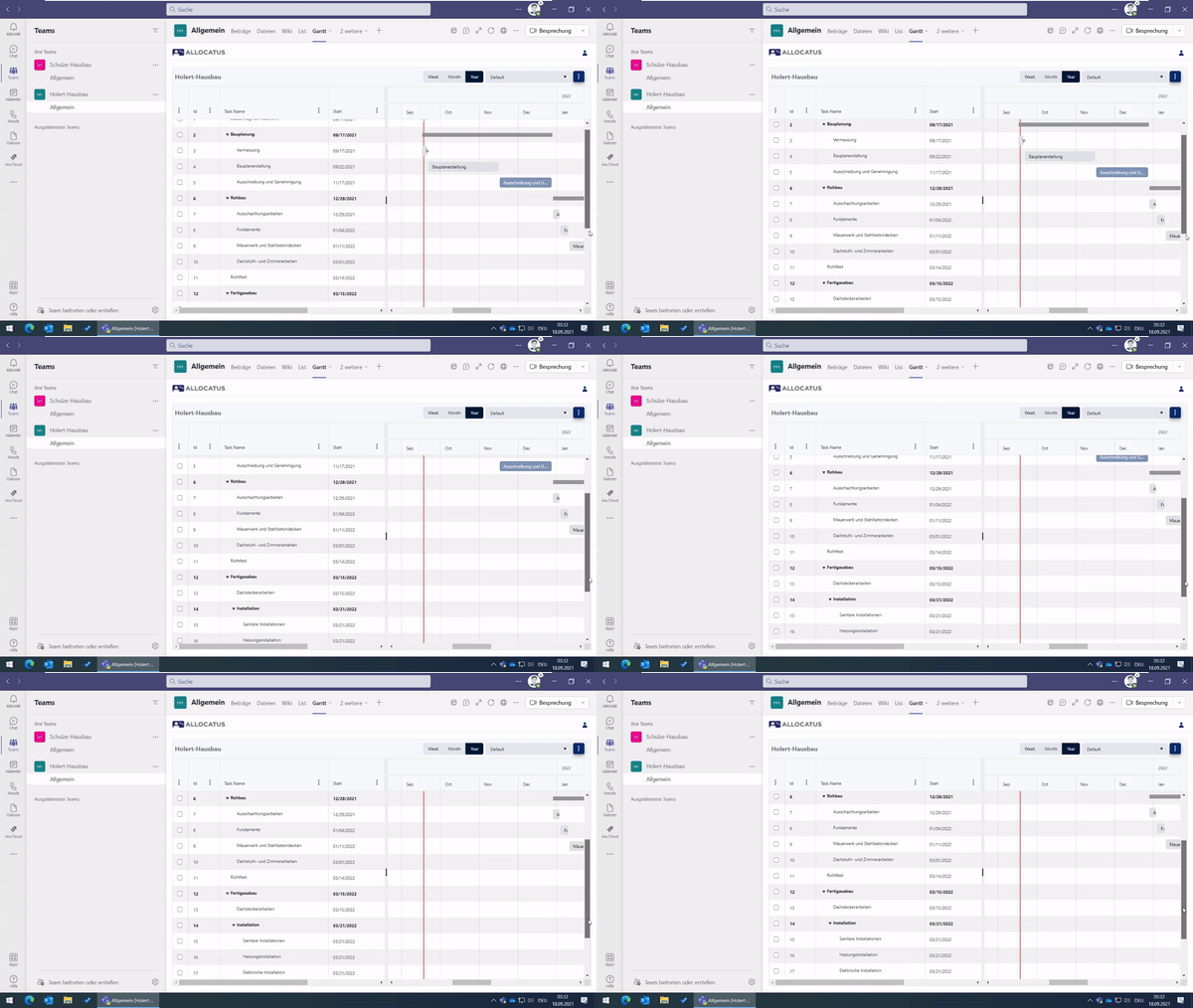
This allows the entire project team to see the tasks from MS Project in Microsoft Teams in a timeline view (Gantt chart)
On the Posts tab, you can see the entire history in chronological order and grouped by task.
Allocatus can also automatically inform your team about changes, and display the tasks assigned to the respective employee directly in Teams as tasks:
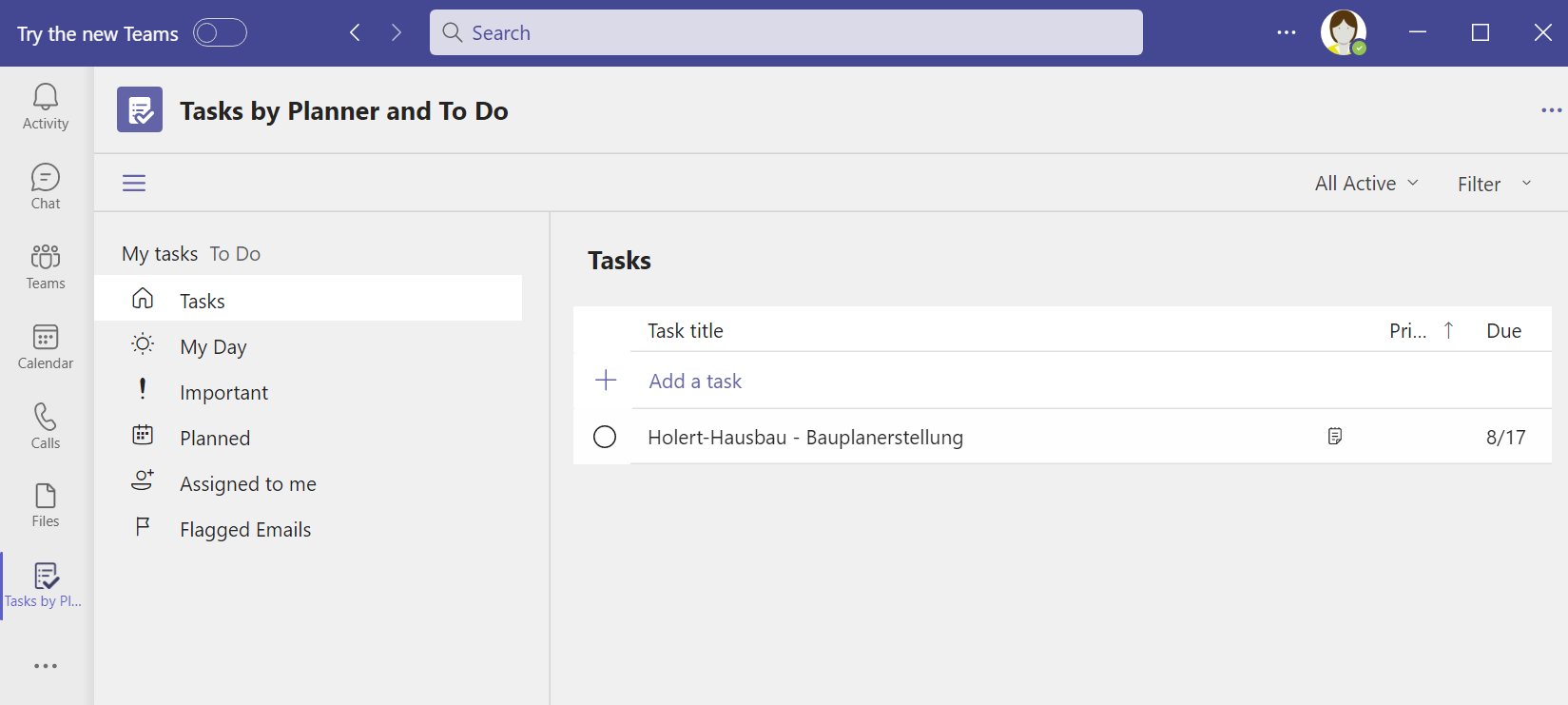
Each Team member can also see their tasks in Microsoft To Do and
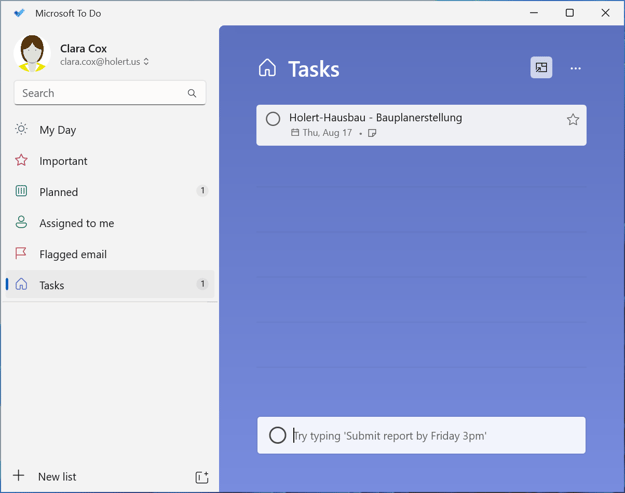
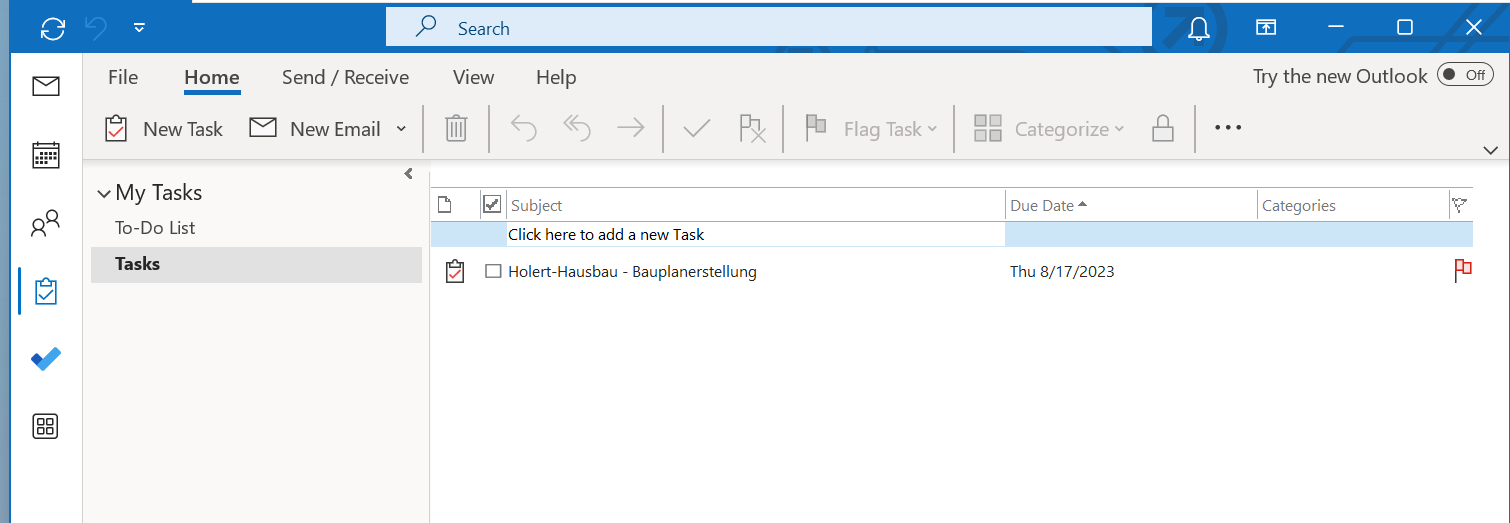
Outlook. Both in the task list and
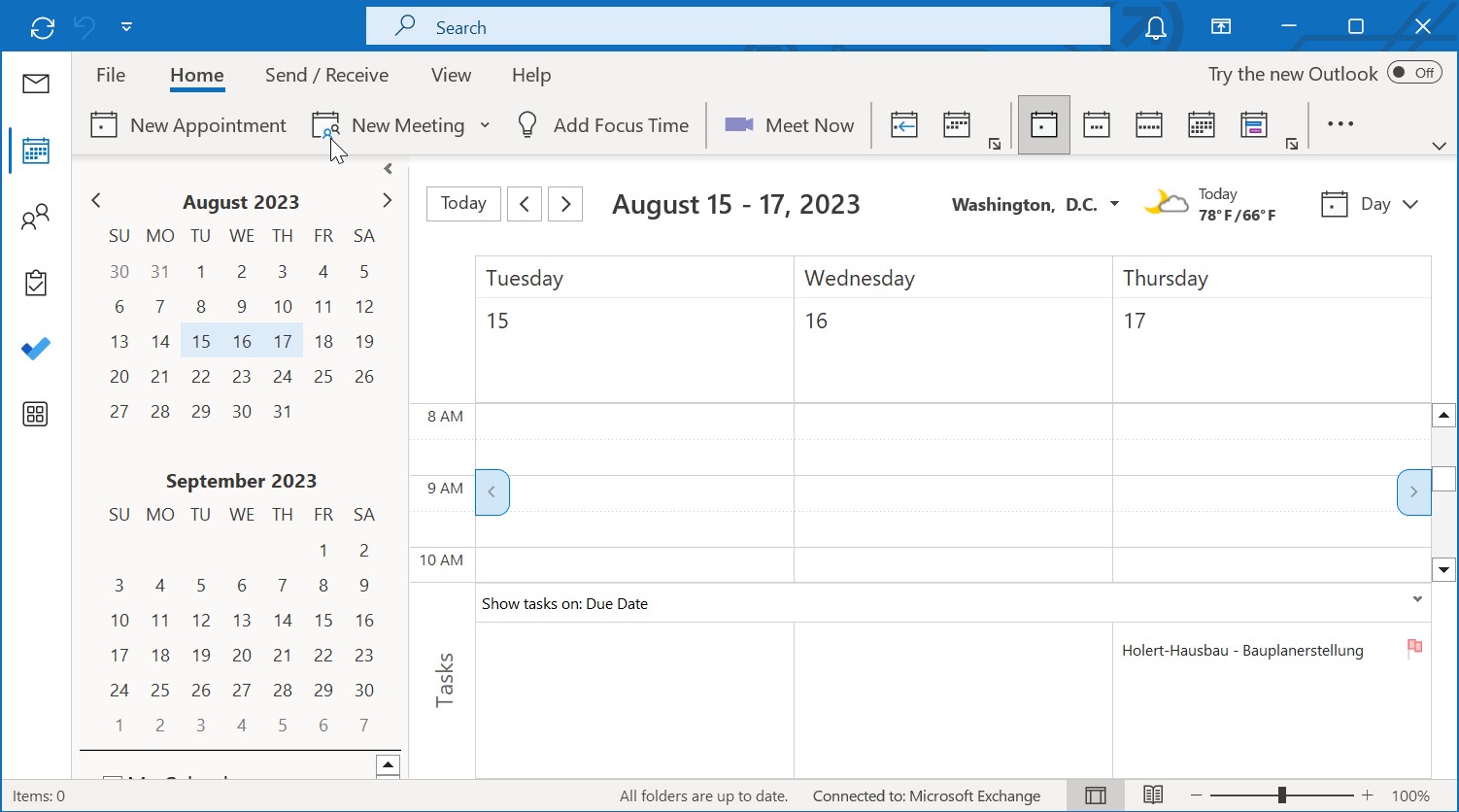
in the Outlook calendar.
Microsoft retires Project Online on 30 September 2026. Project desktop and Project Server SE are explicitly not affected — what disappears is the central web surface your team used to view plans and tasks. The Allocatus server component takes over precisely that role: the project manager continues to plan in the Project desktop app and publishes the schedule, while the team sees the Gantt chart as a web view right inside the Teams channel and their own tasks in Teams, To Do and Outlook. Team members only need a Microsoft 365 account — a Project licence is required for the project manager alone.
The same approach works unchanged if you move to Microsoft Project Server SE instead of Project Online: Allocatus synchronizes tasks out of Project Server as well, leaving team collaboration untouched. For the wider set of migration options and when each one makes sense, see Microsoft is discontinuing Project Online – what are the best alternatives?
Free yourself from manual work, save time, and improve project communication.
Make an appointment now to find out how you can become one step closer to being more digital this week.
